BridgifyChangelog
PRODUCT UPDATE
Start on the Matter tab and open documents faster
When you log in, you'll now land on the Matter tab, with a link to each matter's documents.
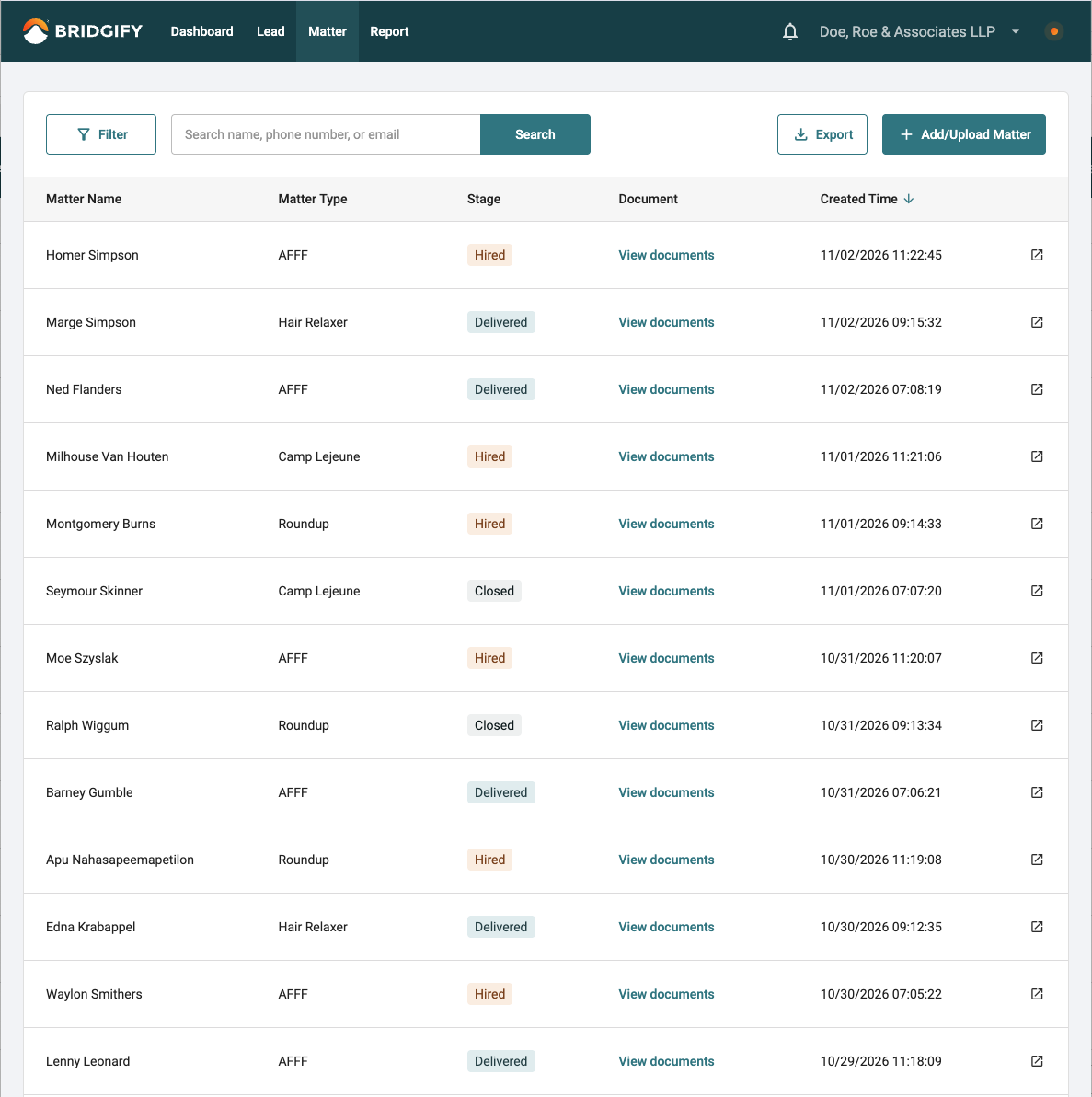
Start on the Matter tab after login. Bridgify now opens the Matter tab by default. Prefer a different first page? It can be changed for your firm.
Open documents from the list. Click View documents next to any matter to go straight to its Document tab.
See which matter you're about to open. As you move your cursor down the list, the row you're on is highlighted and the matter name is underlined.